
In cross-border e-commerce, information management, and content creation, “translate what you see” and “search by image” have become essential needs. Although many tools are available on the market, their positioning and capabilities vary greatly—making it easy to choose the wrong one. Here are four representative tools—CamFind, Yandex.Translate, Bing Visual Search, and piclaza—compared in terms of capabilities, use cases, and pros & cons to help you choose quickly.

⭐ 1. CamFind — A Lightweight Visual Search App
Core Features:
Object recognition via photo
Returns search results (products, encyclopedic info, related images)
Best For:
Quickly identifying objects
Finding similar items
Pros & Cons:
Outdated database; recognition accuracy is average
No multilingual translation
Not suitable for large-scale image processing
One-sentence verdict: ✔ Great for lightweight visual search ✘ Not suitable as a professional tool
⭐ 2. Yandex.Translate — One of the Most Powerful Tools for Image Translation
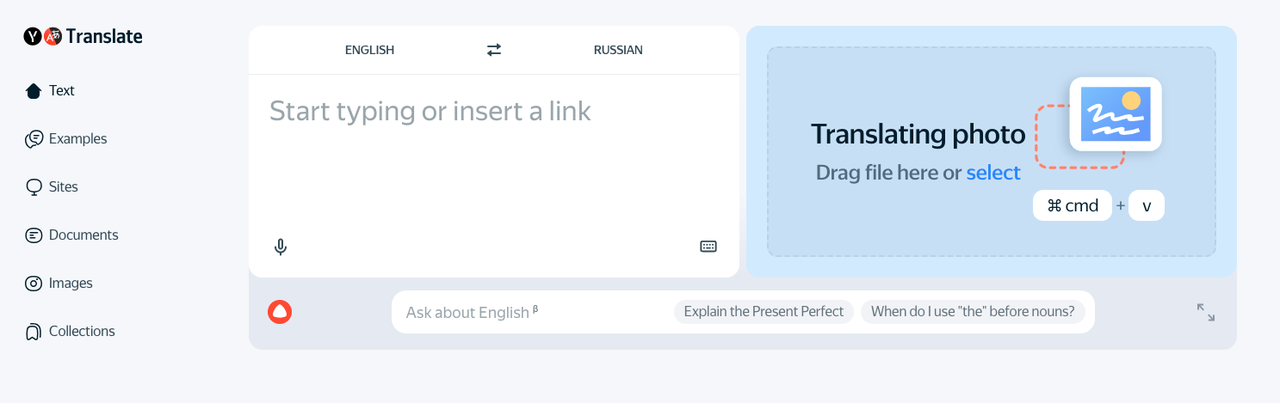
Core Features:
Image OCR
Multilingual translation output
Strong performance for Chinese, Russian, Turkish, etc.
Best For:
Translating screenshots
Translating app UI, product images, and PDF images
Pros & Cons:
Stable translation quality
Accurate OCR
Weak editing features; no batch image processing
Lacks visual search for product lookup
One-sentence verdict: ✔ Excellent at image translation itself ✘ Not ideal for users who need “editing” or “batch translation”
⭐ 3. Bing Visual Search — Strong in Product Search & Similar Image Lookup
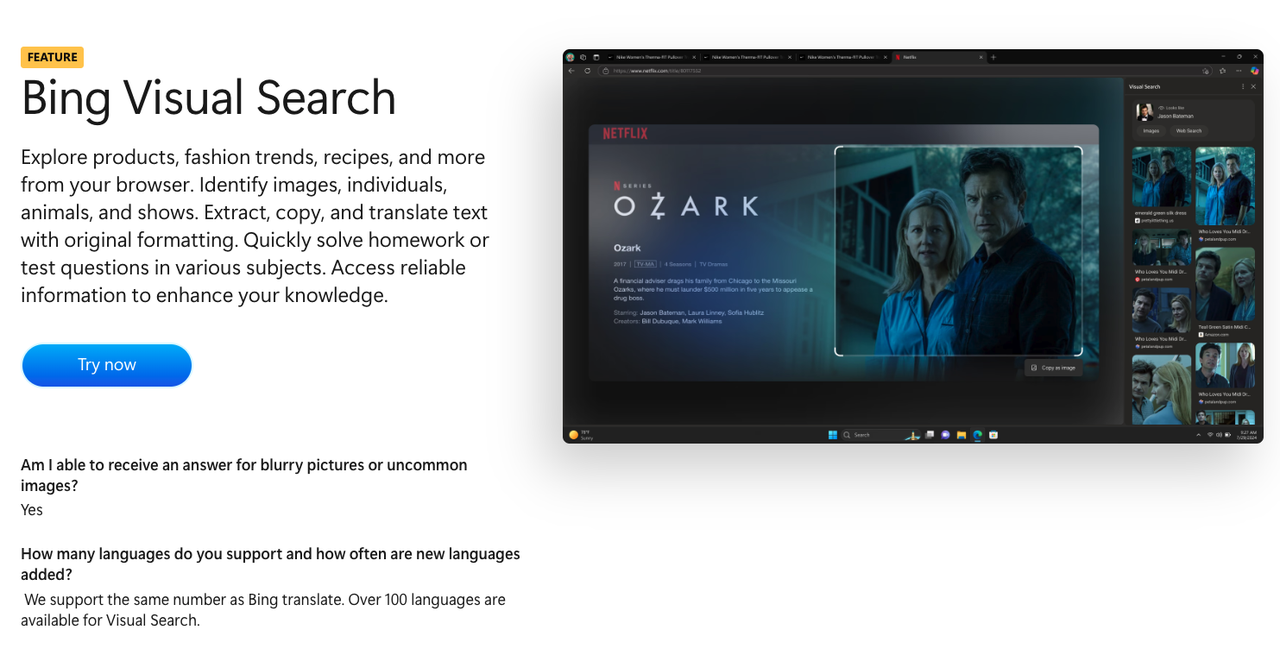
Core Features:
Upload an image to search for products, similar images, and brand information
Ideal for sellers looking for the same or similar items
Can extract text; translation quality is weaker than dedicated tools
Best For:
Searching similar product photos
Finding product sources
Creative inspiration & competitor analysis
Pros & Cons:
Very strong product search capability
Great for cross-border sellers
Not suitable for precise translation or batch tasks
One-sentence verdict: ✔ A powerful tool for finding product matches ✘ Not strong enough for text translation or complex image-text scenarios
⭐ 4. piclaza — A One-Stop “Image Translation + AI Redesign” Tool Built for Cross-Border E-commerce
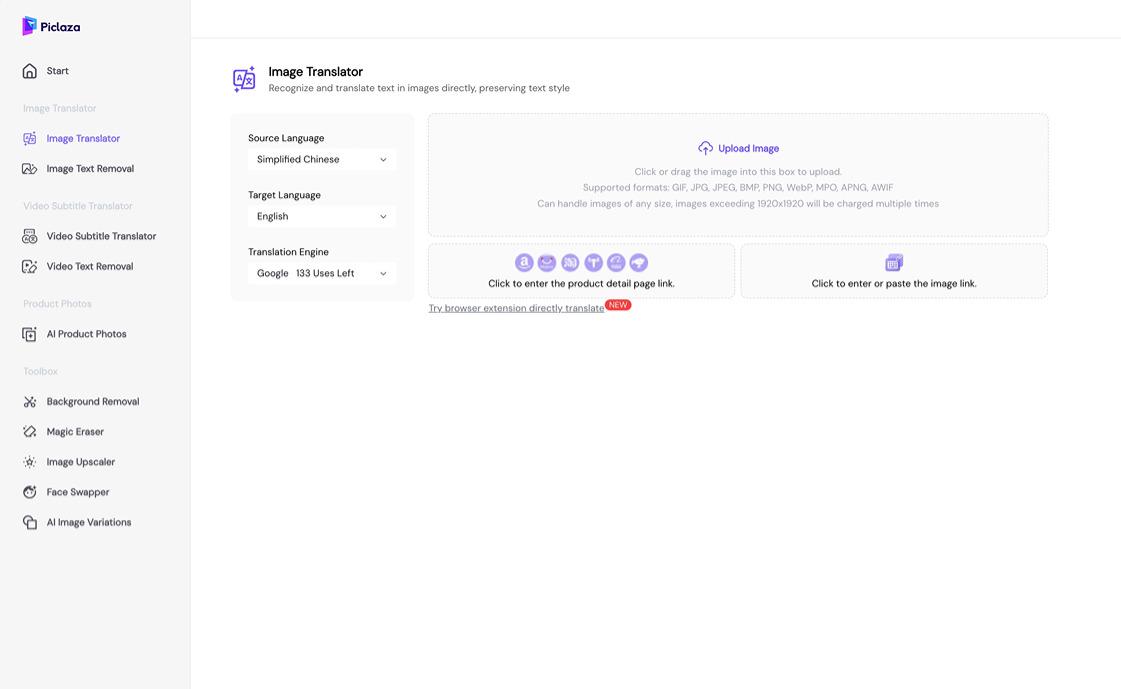
Core Features:
Chrome extension: translate image text while browsing; edit translations directly
Batch image translation (upload large volumes of product photos)
Subtitle translation & AI dubbing for short videos (under 6 minutes)
AI image retouching / product image generation
Best For:
Listing image translation for cross-border sellers
Localizing large numbers of product images for Shopify / DTC sites / Amazon
Translating and editing ad creatives
Quickly generating multilingual versions of video materials
✔ Advantages of piclaza
Truly workflow-friendly The plugin + batch translation workflow fits perfectly with cross-border operations.
Editable translations Solves the common issue where image-translated text cannot be modified—ideal for polishing creatives
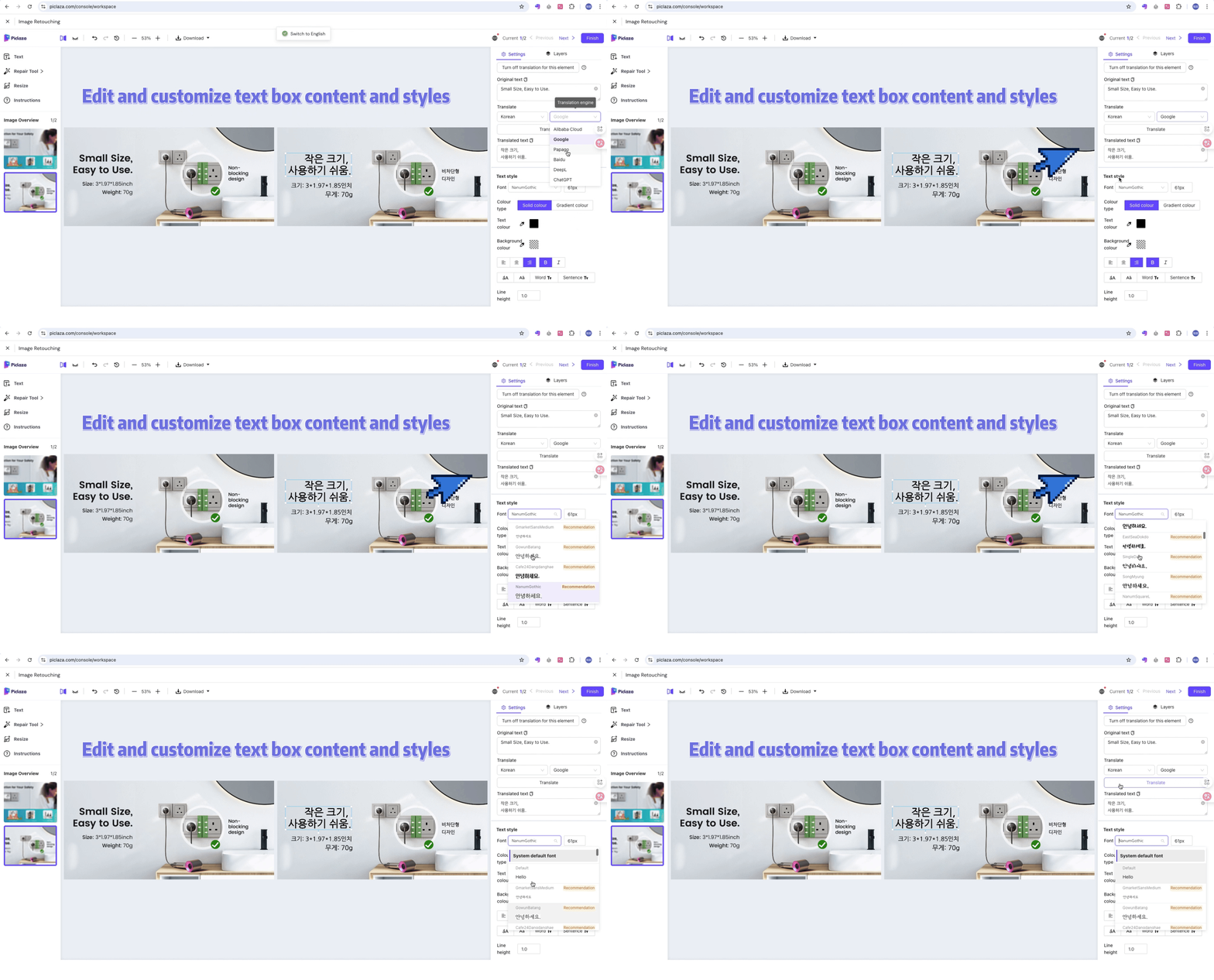
Combines translation + image generation Enables “translate + redesign,” reducing outsourcing costs.
Supports video translation & dubbing Especially useful for TikTok, Reels, and short-video teams going global.
AI features tailored to real business workflows More of a productivity tool than a general-purpose AI.
✘ Limitations of piclaza
Chrome extension works best on desktop—not ideal for mobile-only workflows
Free quota is limited; heavy users need to upgrade
Deep creative AI image editing is not as strong as pro tools like Midjourney or Runway
——Its positioning is “productivity tool,” not “creative AI”
One-sentence verdict
✔ The best image translation tool for cross-border e-commerce
✔ Extremely strong for batch processing and localization of market-ready materials
Click the link below: 👇 to try piclaza 's image translation for free