Are you finding it difficult to comprehend images in foreign languages? Look no further, as with just a few easy steps, you can now instantly translate the text within images. Whether you're browsing e-commerce product pages, travel photos, product manuals, or social media platforms, fast and accurate translations are at your fingertips. Let me walk you through this powerful image translation feature in detail.
Effortlessly Upload and Translate with a Single Click
The process is incredibly straightforward:
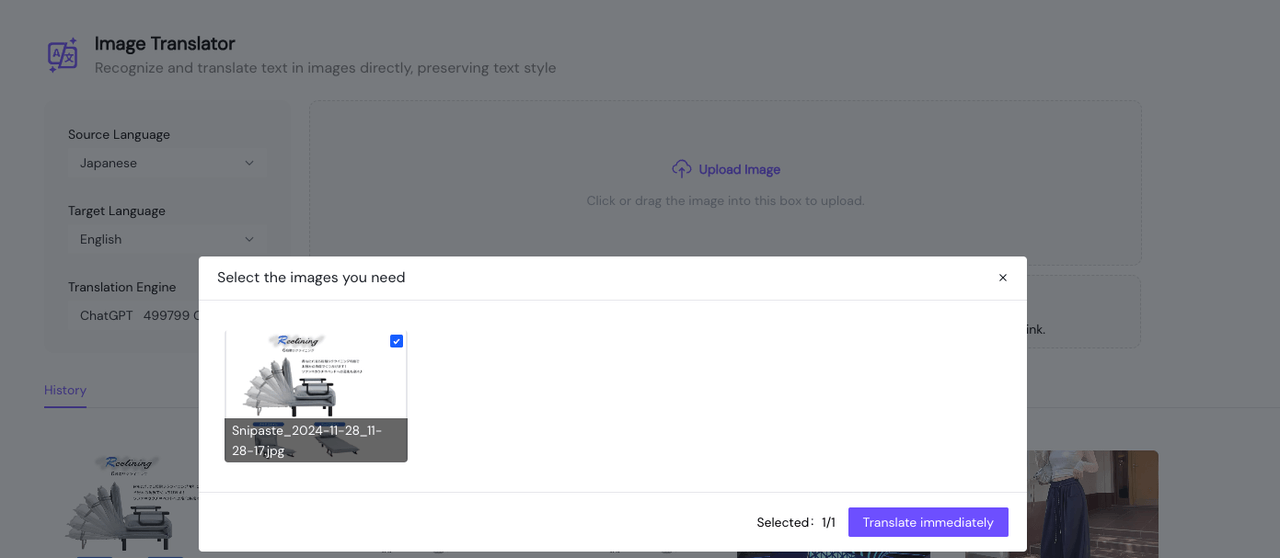
- To upload an image, click the upload button or simply drag and drop it into the interface.
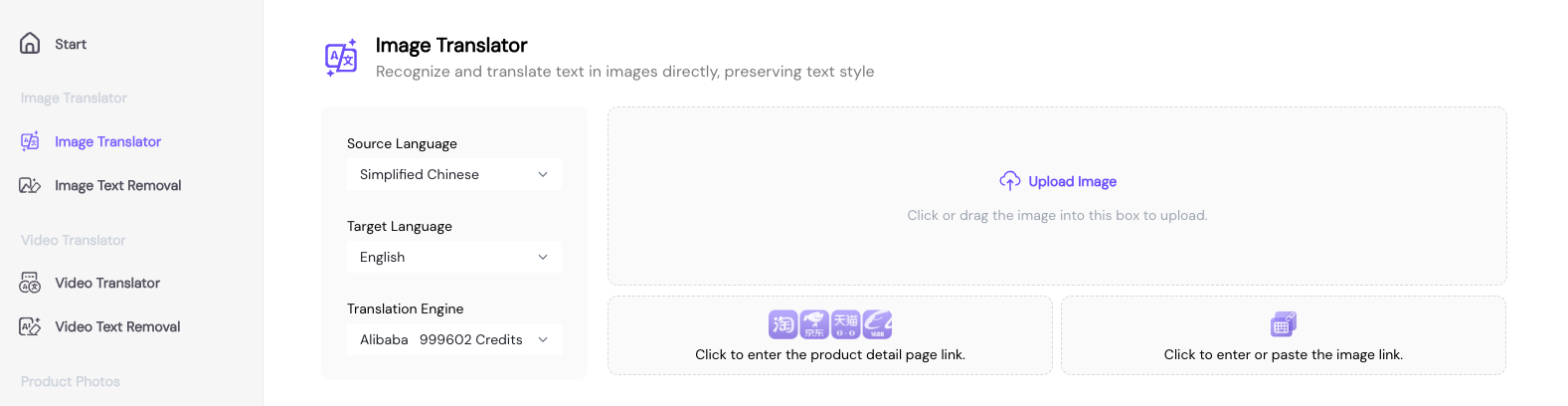
- Select the language in the image and choose your desired target language for translation.
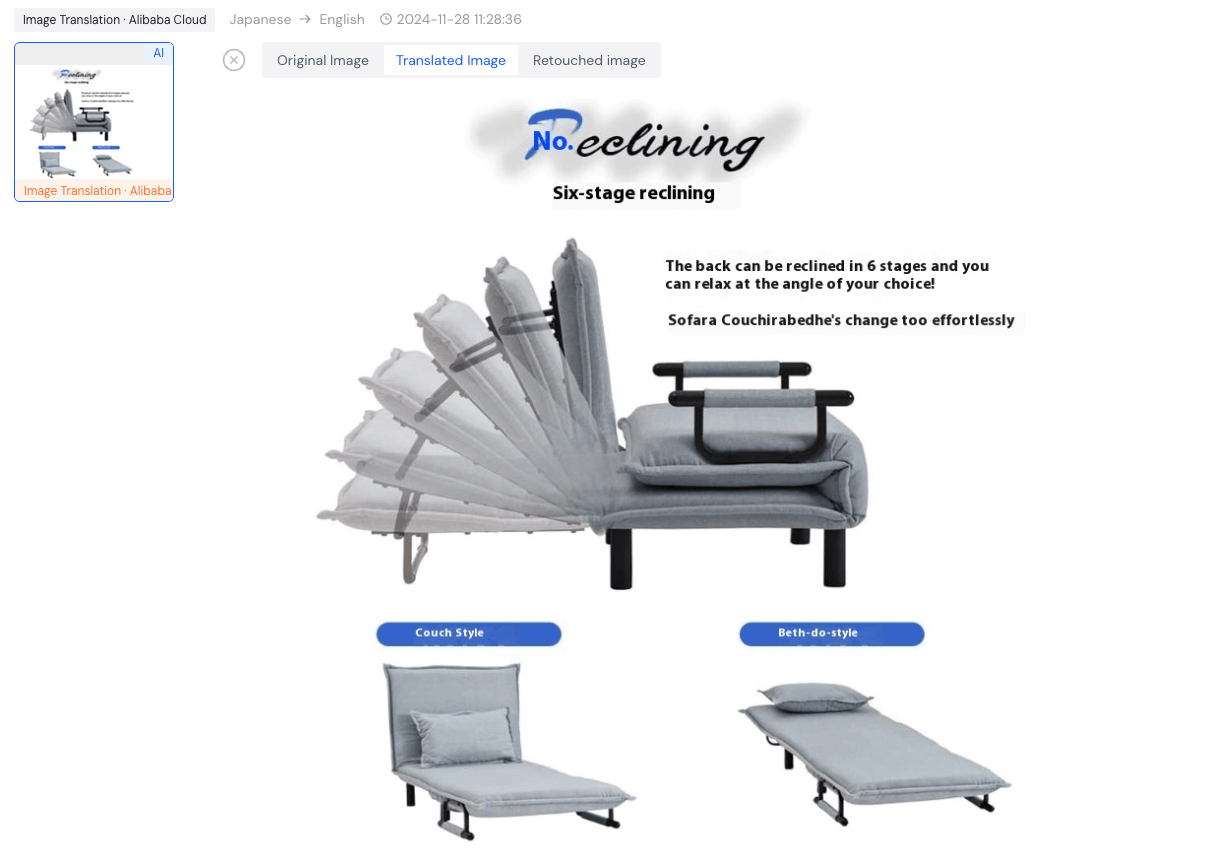
- The real-time translation results will be displayed at corresponding positions of the original text.
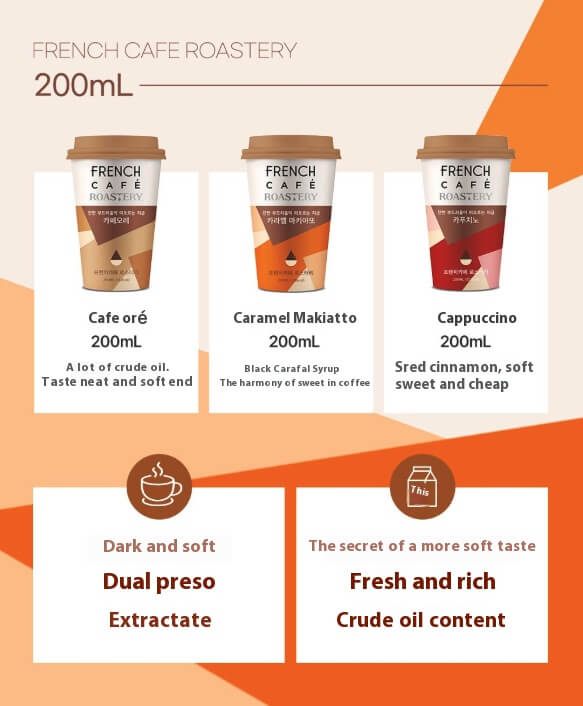
For instance, when browsing Coupang (https://www.coupang.com/), you come across a snack, but the product detail images are in Korean. To better understand the product information, simply upload the product detail image to the interface, and the system will automatically recognize the Korean text, displaying the translation results directly at the corresponding positions for improved comprehension. | 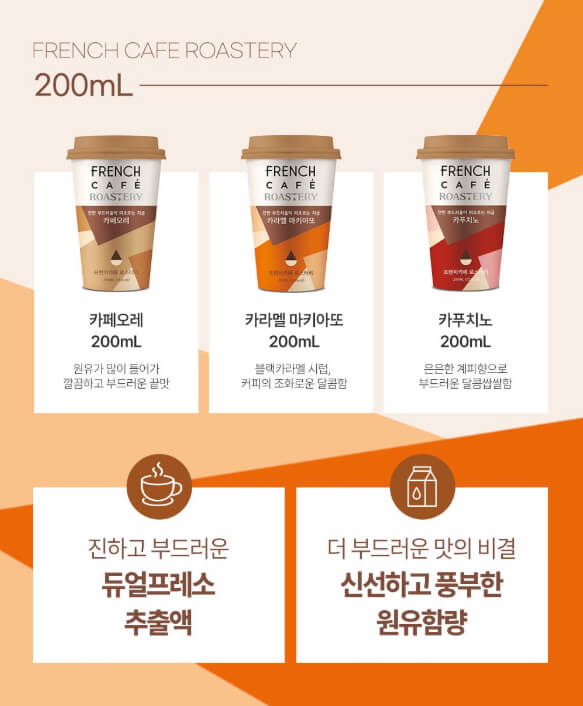 |
|  |
|
Maintain Image Integrity During Translation
What makes Piclaza’s image translation feature particularly user-friendly is that the translated text:
- Will preserve the original layout of the image
- Retains the original font style
- Provides a seamless integration of text and image
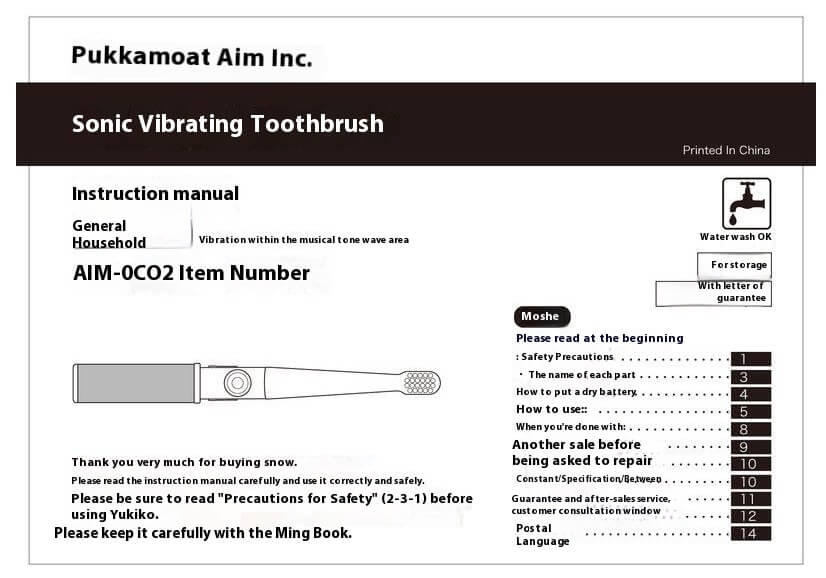
For example, when translating a Japanese product manual, the translated text will be carefully arranged according to the original paragraphs and formatting, ensuring a more natural reading experience. | 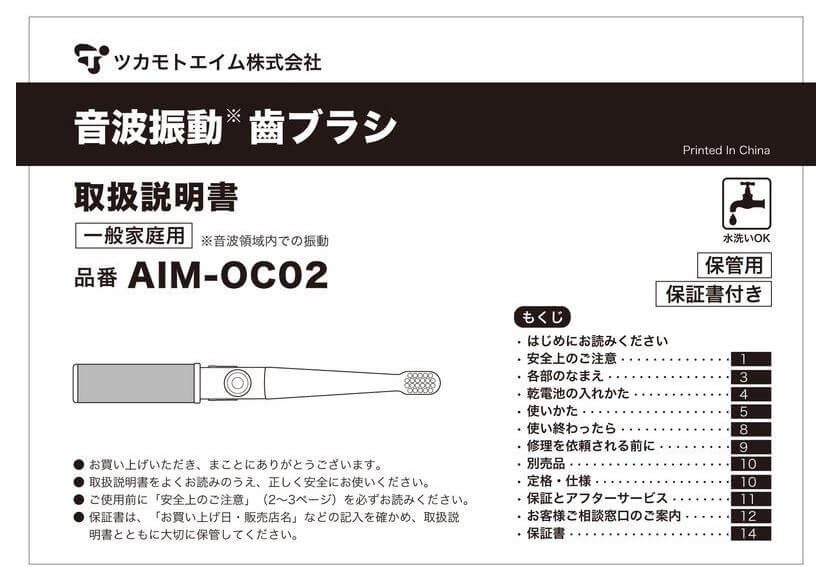 |
|  |
|
Quick Tips for Getting Started:
- For best results, use clear and high-quality images to improve recognition accuracy.
- If dealing with complex technical terms, you can utilize the translated "Refinement Tool" for manual adjustments.
Whether you're traveling abroad, shopping online, or studying and working, Piclaza’s image translation feature makes short work of language barriers.
Give it a try today!
Want to learn more tips and tricks? Feel free to explore our extensive user guide.